Skip to content

Atlas Mini

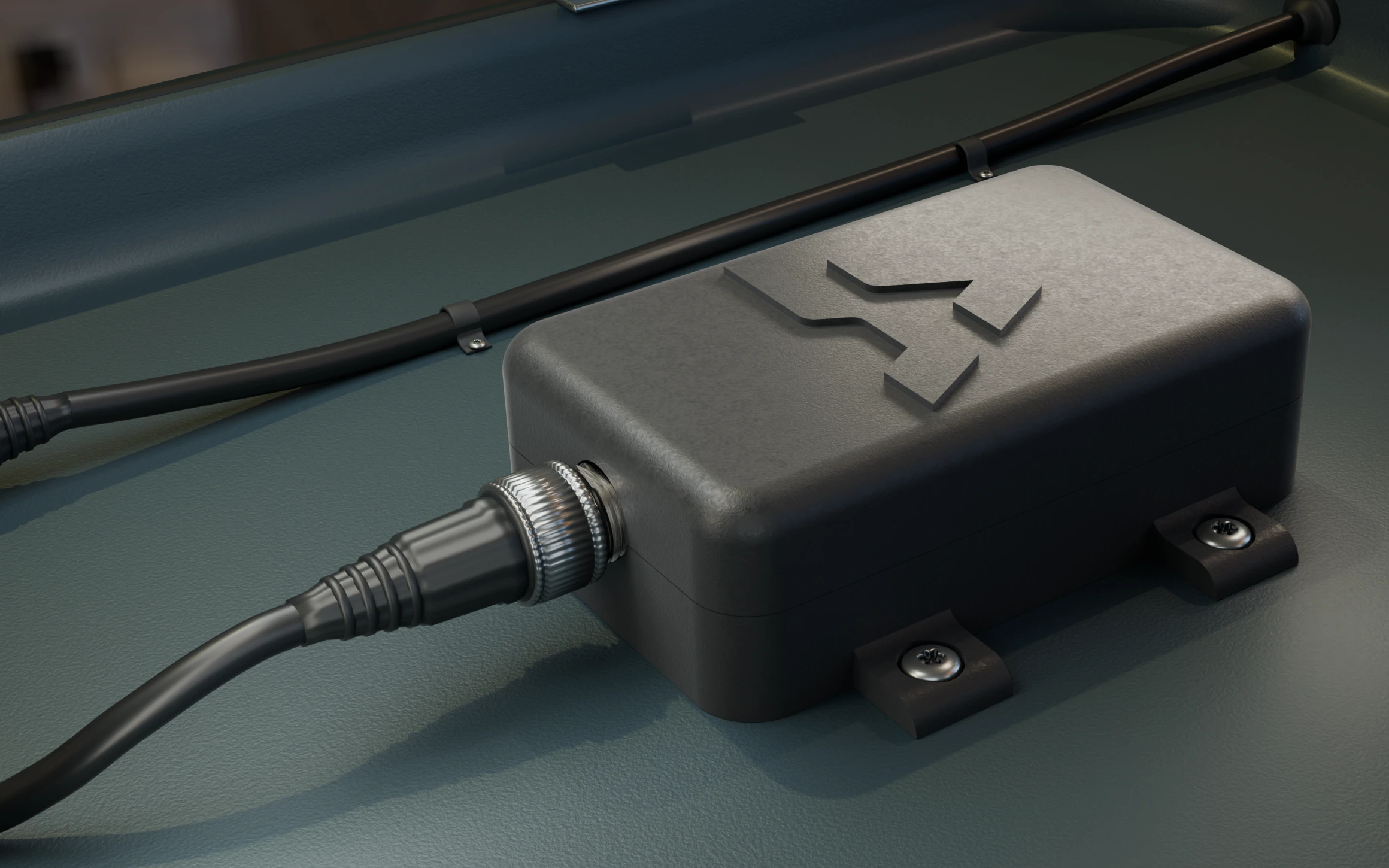
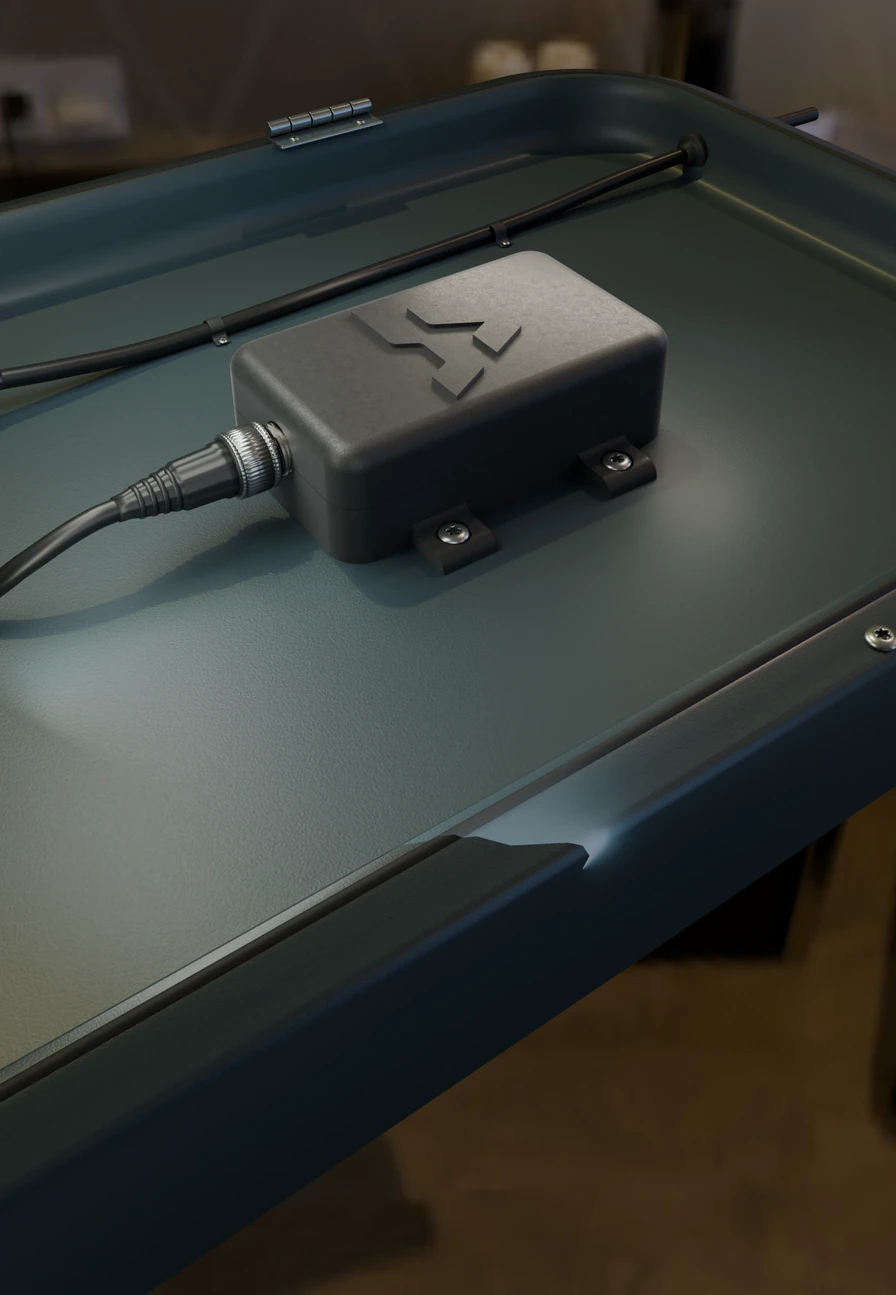
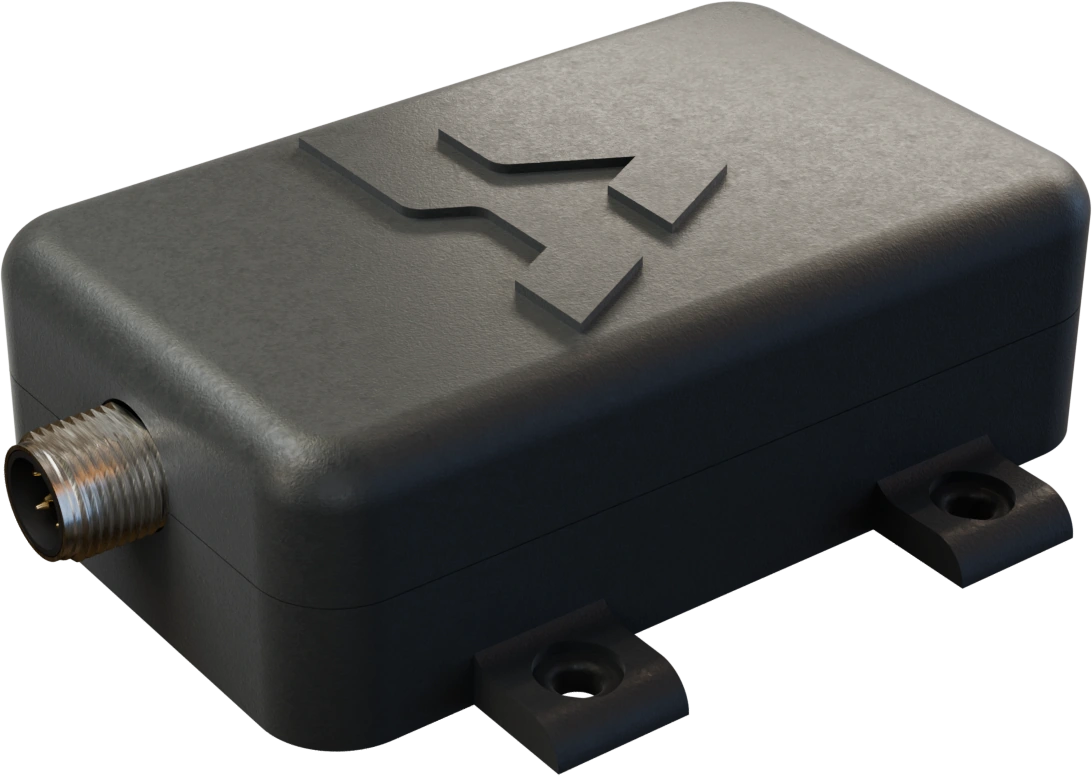
The sealed Atlas Mini mounted beneath the helm, with the network cable attached.

ATLAS MINI

Your boat in your hand!

Plug Atlas Mini into your boat’s NMEA 2000 network and it becomes your boat assistant. Automations, remote monitoring, boat management and loads more…

Explore features ↓

Free shipping Australia-wide

What Atlas Mini can do

Automations & remote monitoring

Let the boat tell you.

Set a rule around a reading that matters. A falling house battery can trigger a message; Dock Watch lets you check the boat from shore.
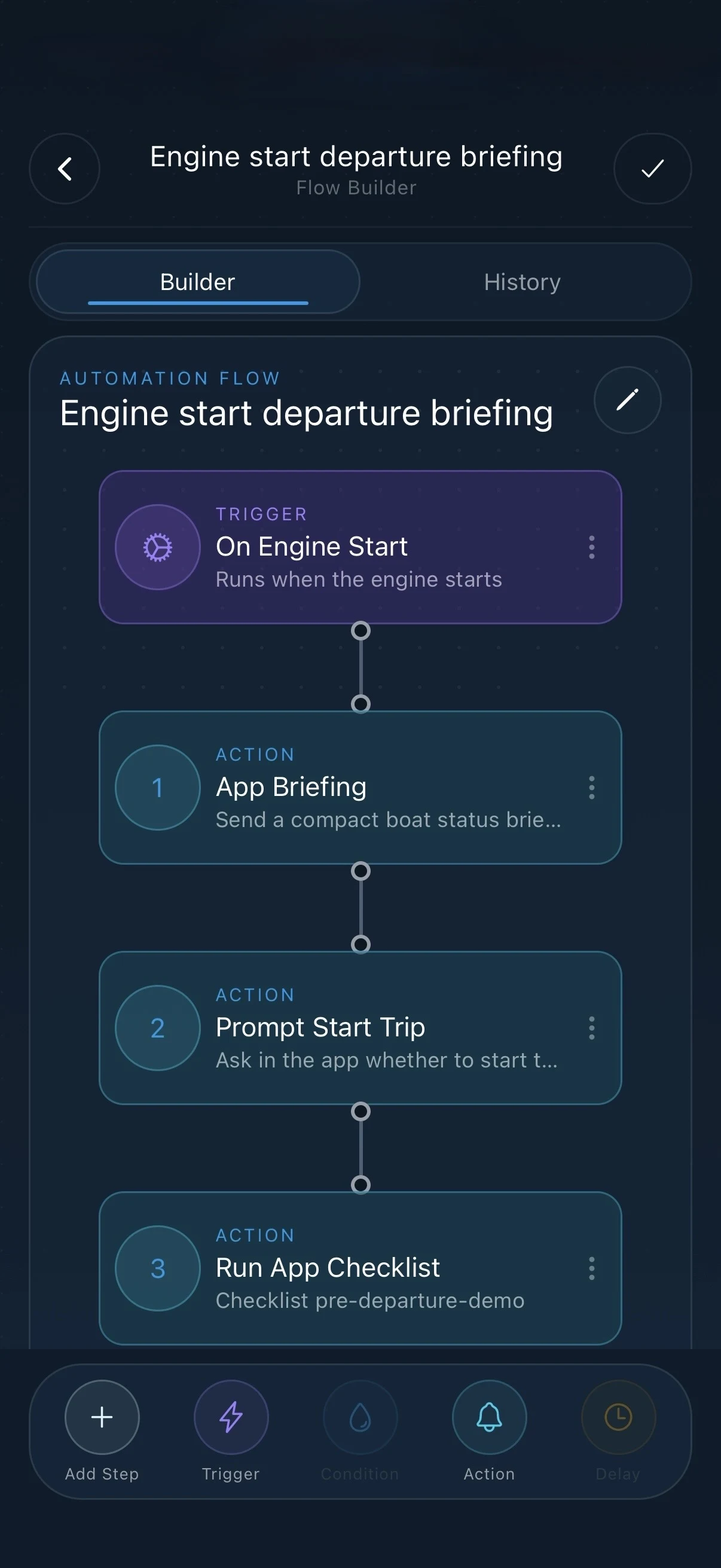
Onboard automations
Build a rule around an instrument reading, such as a low house-battery threshold. Preview the saved rule on supported firmware.
Watch the animation 6 seconds: A low-battery rule

A low-battery rule

An example rule sends the battery reading to Fisho when the voltage drops below the limit you set.

Digital switching
On a compatible CZone installation, map a circuit such as a cabin light. Switch it from Fisho and check its reported state.
Dock Watch
Check the boat’s reported position, battery and last update from shore. Atlas Mini needs power, compatible instruments and an internet connection that stays aboard.
Watch the animation 7 seconds: A Dock Watch check-in

A Dock Watch check-in

An animated boat shows what to check on a remote report: battery voltage, position and how long ago the report arrived.

Anchor Watch
Set a guard area around your anchorage and monitor movement when a fresh GPS position is available.
Smart messages
Choose which boat events should notify you. Remote delivery needs internet aboard and notifications enabled on your phone.
Fishing assistant & catch records

Remember why that spot fished well.

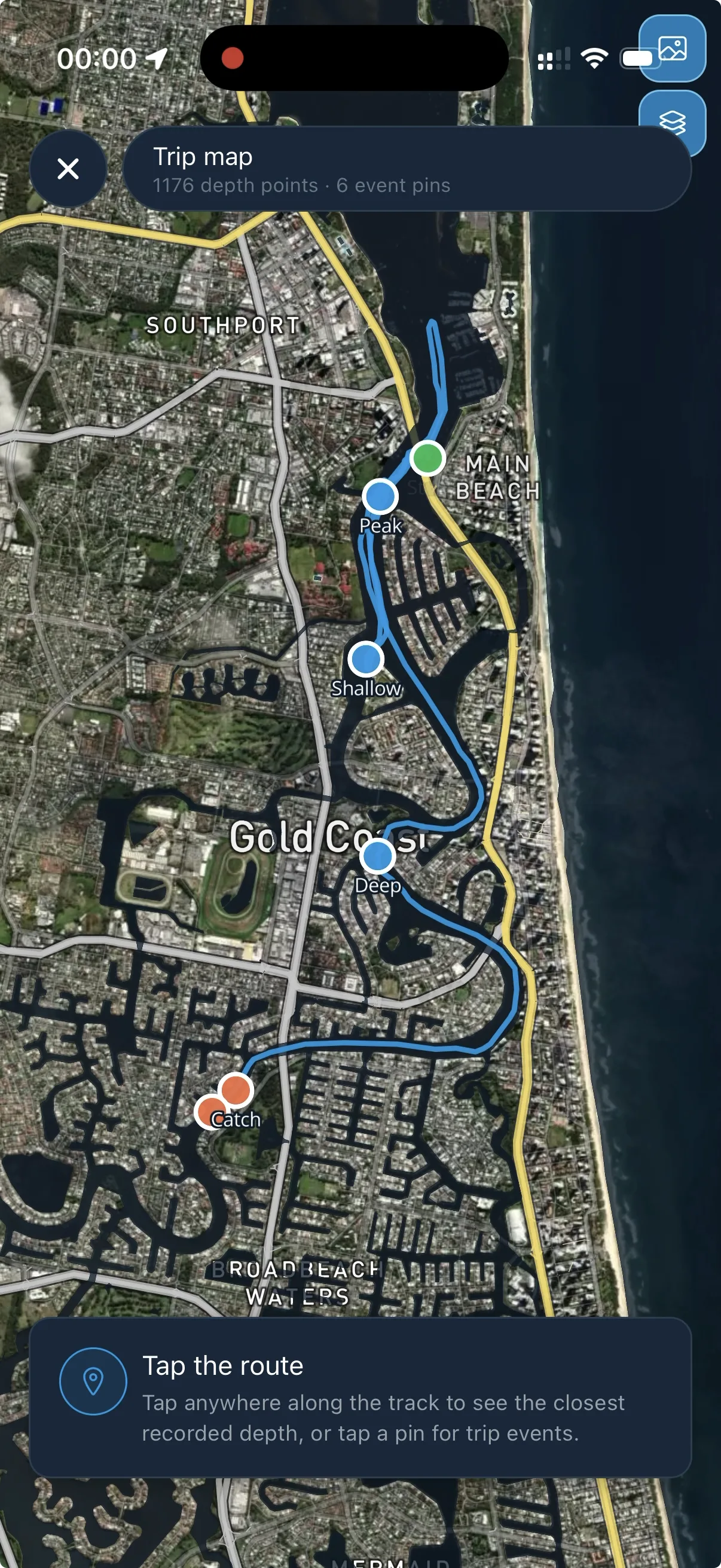
A pin tells you where. Bring the depth, temperature and line you took across the reef into the conversation.

Fishing assistant
Ask Fisho about the water you’re fishing. Available instrument readings give your question context alongside your catch history.
Catch context
When you log a catch in Fisho, available depth, water temperature and GPS position fill in from the boat.
Watch the animation 8 seconds: From boat to catch record

From boat to catch record

The animation follows position, depth and water temperature from Atlas Mini to a catch record in Fisho.

Drift recorder
Keep the speed and direction of a productive drift so you can line it up again.
Temperature breaks
Flag changes in water temperature as you cross them.
Recorded trips
Revisit your route, timing and trip statistics. Supported Atlas Mini firmware can hold a finished trip offline and upload it when the powered boat is back online.
Crew sharing
Share trips and positions with your crew. Live sharing needs a connection; inviting crew does not give them the boat controls.

Boat management

Keep the boat ready for the next trip.

The engine hours are on the boat. The service receipt is usually somewhere else. Bring both into your boat record in Fisho.

Fuel range
Estimate how far you can go using compatible fuel-level and burn-rate readings.
Maintenance status
Plan the next service by engine hours or by date. Use the reported hours when your engine supplies them.
House-load monitor
See what the house battery is supplying when a compatible battery monitor reports load.
Service logbook
Keep the yard’s notes, dates and receipts against the boat in Fisho.

Live instruments

Build a helm you can carry.

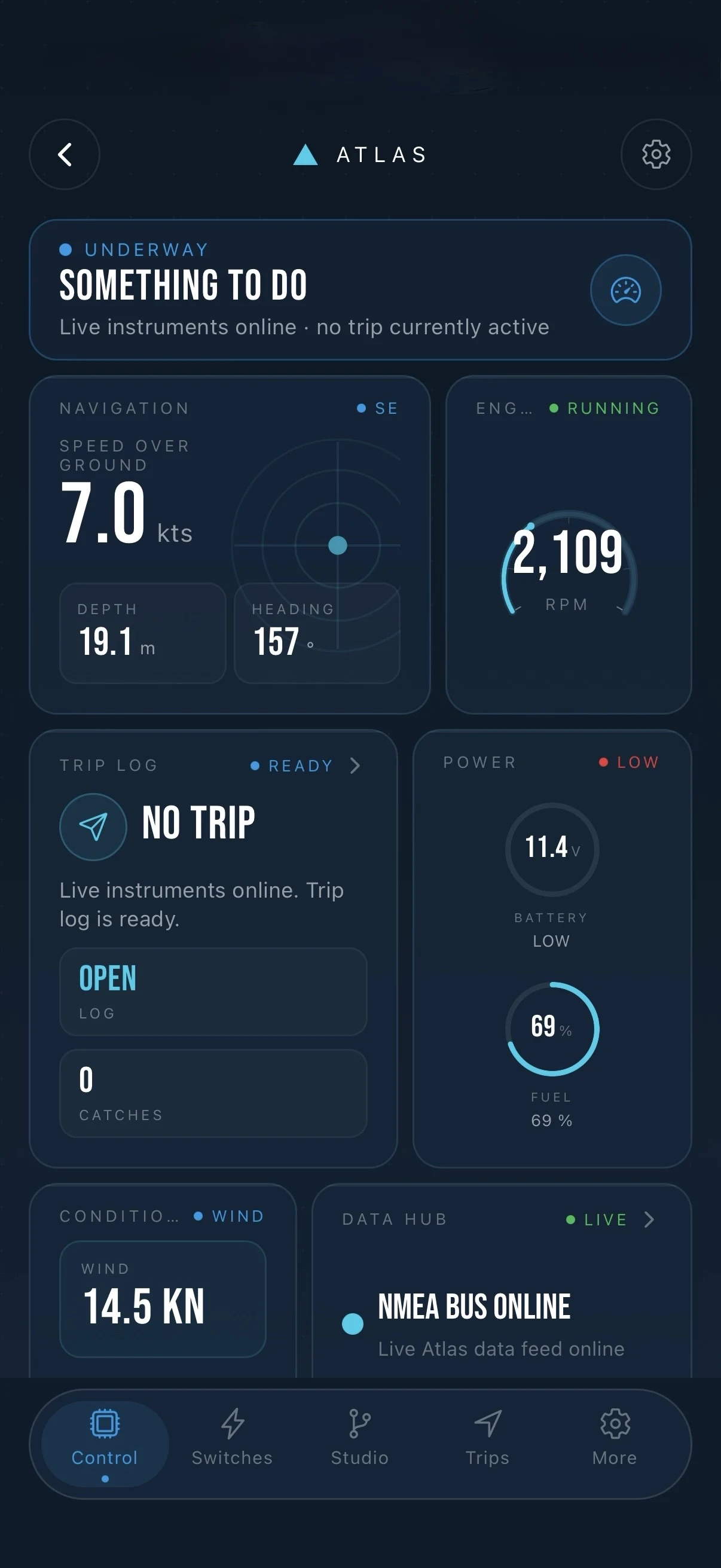
Rigging rods at the stern? Take the sounder reading with you. Atlas Mini brings the instruments already on your NMEA 2000 network into Fisho.

Custom dashboards
Give depth the biggest gauge on your fishing screen. Build another layout for the run home, with tides, forecast and trip cards alongside your instruments.
Multiple engines
Compare RPM across reporting engines. Side-by-side readings make a difference between engines easier to spot.
Fuel burn and tank level
See litres per hour from your engines and the level from your tank sender. Each reading comes from its own instrument.
Live instruments
Read depth, speed, water temperature and battery voltage from compatible sources. Connect nearby over Bluetooth or local Wi-Fi.
Network diagnostics
Identify instruments on the boat network and see which readings they supply.

Before you buy

Will Atlas Mini fit my boat?
  1. Check the network. You need a powered, terminated NMEA 2000 backbone, a compatible T-piece with a free drop port, and a drop cable that reaches Atlas Mini.
  2. Check your instruments. Atlas Mini reads what they transmit. Depth needs a depth source; engine hours need an engine interface that reports hours. On our test boat, Atlas Mini received depth from a Garmin GPSMAP 8416xsv and identified a Garmin GPS 24xd receiver.
  3. Check your phone. The free Fisho app pairs nearby over Bluetooth on iOS 16.2 or Android 7 and later. You need internet to register. Remote monitoring also needs power and an internet connection aboard.
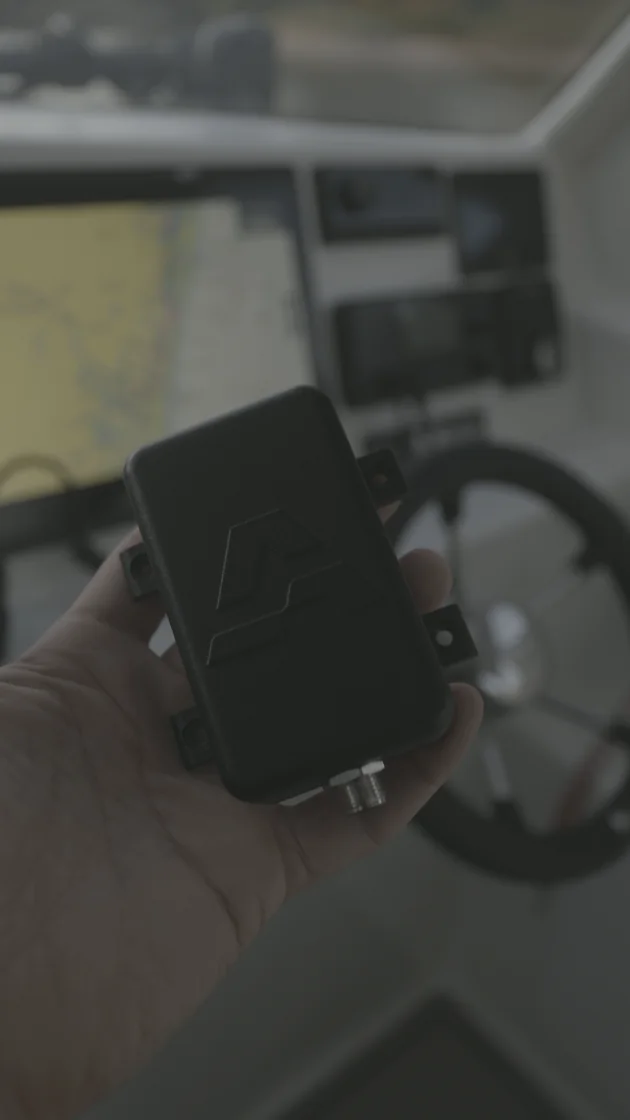
Atlas Mini held at the helm aboard Fisho’s boat
Atlas Mini at the helm.

Unsure about your setup? Email your engine and sounder models to info@fisho.app.

Read the installation steps

In the box

One Atlas Mini, setup information and Fisho × Atlas stickers. You supply the drop cable, T-piece and any backbone adapters or mounting accessories.

30-day boat-fit return

If Atlas Mini can’t read your boat, contact us within 30 days of delivery. We’ll check the setup with you and arrange a return for a refund if it can’t read your boat, including after installation. Your Australian Consumer Law guarantees also apply. Read the returns policy.


Get Atlas Mini for your boat.

Check the price, dispatch estimate and shipping options for your delivery address.

Atlas Mini is not a certified navigation device. Remote monitoring needs power and internet aboard your boat.